DIY website: is it really worth it? The hidden costs nobody warns you about
Thinking about building your business website yourself? You've seen the ads: "Create your website in minutes," "No coding required," "Start for free." It sounds like the smart move — save money, stay in control, get online fast. But the right question isn't "can I build it myself?" The real question is: should I? A DIY website can be the right call in specific situations. But in many others, it ends up costing more than you'd expect — not just in money, but in time, missed customers, and opportunities that slip away quietly. This guide walks you through the honest pros and cons, the costs that don't appear on the pricing page, and a simple framework to help you decide. If you're also wondering how much a website costs in 2026 , I've written a separate guide with real market prices and benchmarks.
What "DIY website" actually means (and what the ads promise)
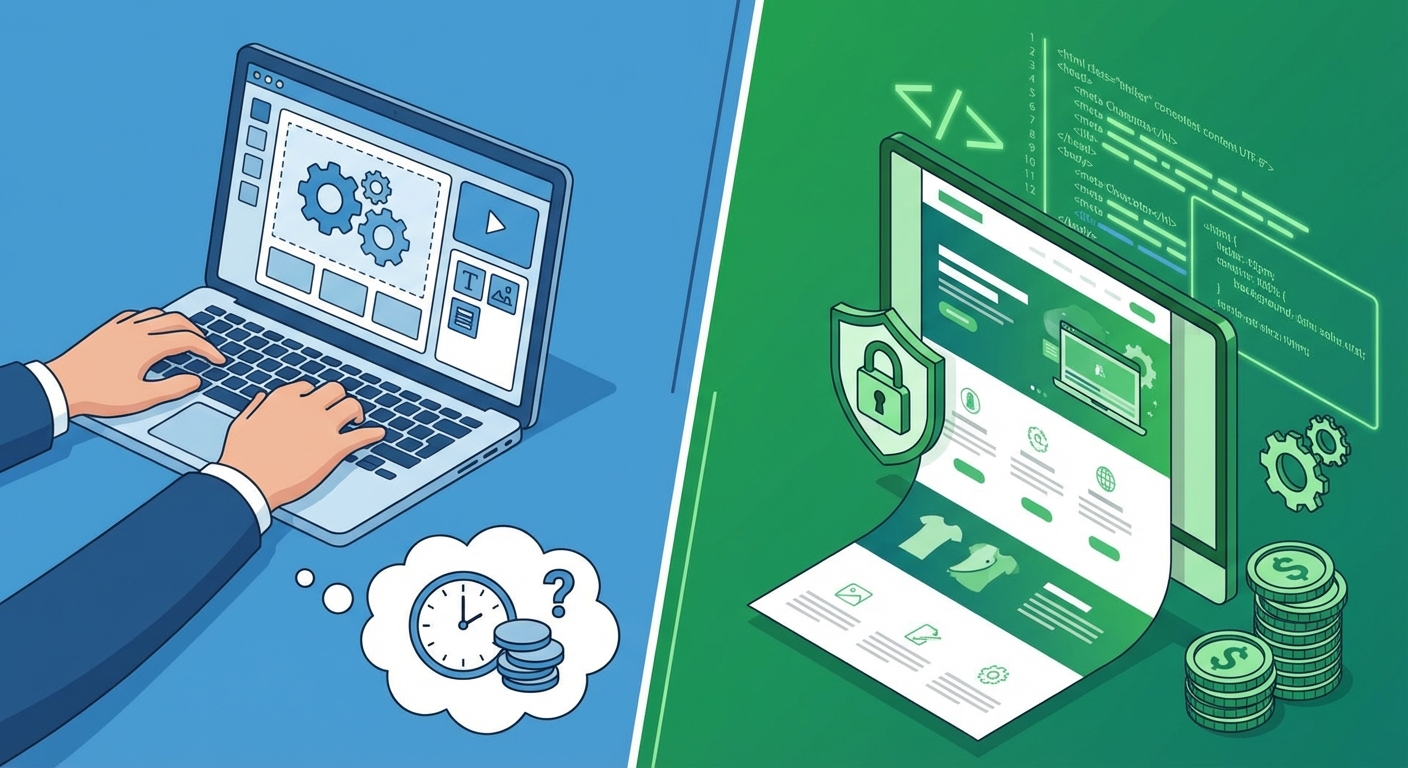
A DIY website is a site you build yourself using an online platform — usually called a "website builder." You don't write code. You pick a template, drag text and image blocks around, and publish.
The marketing message from these platforms is clear: anyone can create a professional website, for free or nearly free, in just a few hours. And technically, that's true — you can put something online. But "something online" and "a tool that brings customers to your business" are two very different things.
The main platforms: what they offer and what they cost
Here's an honest overview of the main options, with pricing verified for 2026:
Wix — The most flexible among builders. Hundreds of templates across dozens of categories, drag-and-drop editor, third-party apps. The ad-free plan starts at $17/month (billed annually). For e-commerce features, you need at least the Core plan at $29/month. Full details on the Wix pricing page.
Squarespace — Beautifully designed templates, ideal for portfolios and creatives. Pricing starts at $16/month (Basic plan, annual billing). The Core plan at $23/month adds analytics and marketing integrations. No free plan, but a 14-day trial is available. Updated pricing at squarespace.com/pricing.
WordPress.com — Not to be confused with WordPress.org (the open-source CMS). The .com version offers a managed builder with plans starting from a few dollars per month, but customisation options are limited compared to the self-hosted version.
Here's the key point. These platforms work well for what they are: tools for putting web pages together quickly. The problem begins when you use them for a goal they weren't designed for — building the online presence of a business that needs to attract and convert customers.
The real advantages of building it yourself
Let's be fair. A DIY website has genuine benefits, and it would be dishonest to ignore them:
Low upfront cost. With $200–600 per year (domain + subscription), you have a live website. Compare that to a professional site that starts at $2,000–5,000 for a small business, and the gap is obvious — at least in year one.
Immediate control. Want to change a photo or a sentence? You do it yourself, right now, without waiting for anyone.
Speed to launch. If all you need is a page with your business name, address, and phone number to "be online," you can have it running this afternoon.
For a deeper comparison, check out my post on free vs professional websites: what actually changes.
But here's the question that matters: are these advantages enough for what you're trying to achieve?
If you're testing an idea, running a personal project, or starting a hobby blog — probably yes. If your business depends on finding customers online, things get more complicated. Much more complicated.
The problems you only discover after you start
The ads show the magic moment: drag, drop, done. What they don't show is everything that comes after.
The time trap (and what your time is actually worth)
"It takes 5 hours" is the optimistic estimate. In reality, most small business owners I've spoken with spent between 30 and 50 hours between choosing a template, customising it, writing copy, selecting images, testing on mobile, and fixing issues they didn't anticipate.
Let's do some quick maths. If your business generates the equivalent of $50 per hour in revenue, and you spend 40 hours on the website, that's $2,000 in lost working time — not counting frustration. And the site still isn't optimised for search engines, doesn't have a content strategy, and probably has mobile issues you don't even know about.
Every hour you spend figuring out how a navigation menu works is an hour you're not spending serving clients or finding new ones.
The "template twin" effect: when your site looks like everyone else's
Builder templates are attractive — no argument there. The problem is that thousands of other people use them too. When a potential customer visits your site and then your competitor's, and both look like siblings with different colours, neither one is memorable.
A website that doesn't differentiate you is a website that doesn't work for you. And truly standing out with a builder — without design skills — is far harder than the marketing suggests.
The hidden costs that don't show up on the pricing page
This is the part the pricing pages leave out. The price you see in the ad — "$16 per month" — is just the starting point. In practice, getting a website that's even minimally functional for a business makes costs climb quickly.
Table: advertised cost vs real cost in year one
Cost item | What they tell you | What actually happens |
|---|---|---|
Base subscription | $16–29/month | You often need the higher plan to remove platform ads or unlock essential features |
Custom domain | "Free for the first year" | Renewal costs $15–20/year. Miss the renewal and you lose the address |
Professional email | Not included | Additional service: ~$7–8/month per mailbox (e.g., Google Workspace through Wix) |
Ad removal | Paid plans only | The free plan displays the platform's logo — unprofessional for a business |
Premium apps & plugins | "Hundreds of apps available" | The useful ones (booking, chat, advanced analytics) cost $5–20/month each |
Premium templates | "Choose from hundreds of templates" | The best or most complete ones often have an extra cost |
Stock photos | Not included | Professional images cost money, or you use free ones (which look recognisable) |
Typical result: what you thought would cost $200/year easily becomes $600–1,000/year. And that doesn't include the value of your time.
For a complete overview of recurring costs, see my guide on website maintenance costs.
Why DIY websites struggle to rank on Google
This is the biggest problem, and the least obvious one. You can have the most beautiful website in the world, but if nobody finds it on Google, it's like having a gorgeous shop on a street where nobody walks.
Website builders offer "basic" SEO tools: you can add a title, a meta description, alt text on images. But the SEO that actually matters for ranking — the technical, structural, and strategic kind — is a different story entirely.
Technical SEO, speed, and structure: the builder ceiling
Page speed. Builders add extra code to power the drag-and-drop editor. That code adds weight. A Wix or Squarespace site tends to load slower than a custom-built site, and speed is one of the factors Google uses to decide who shows up first. You can test this yourself on Google PageSpeed Insights.
Code structure. Search engines read your site's HTML to understand what it's about. Builders generate automatic code that's often bloated and not optimised for Google's crawlers.
Structural limitations. You can't control advanced technical aspects like a custom robots.txt, personalised schema markup, granular URL structures, or Core Web Vitals at the code level.
No content strategy. Even if the platform tells you "your site is SEO-friendly," without a keyword strategy, an internal linking structure, and content written to answer what your potential customers are actually searching for, the site won't rank.
For more on what it takes to get found online, read my guide on how to get found on Google.
Security, updates, and platform lock-in
With a DIY website on a managed platform, basic security is handled by the provider — and that's a genuine advantage. You don't need to worry about server updates or security patches.
But some things remain your responsibility: password management, content backups (not all platforms offer comprehensive ones), GDPR compliance (cookie banners, privacy policies, consent management).
And here's the bigger concern: what if the platform changes its terms of service, raises prices dramatically, or discontinues a feature you rely on? You don't own the code. You can't "take your website" and move it somewhere else. You're locked in.
With a custom-built website, the code belongs to you. If you want to switch hosting, developer, or technology in the future, you take everything with you.
When DIY can work (and when it can't)
There's no one-size-fits-all answer. But it's a common pattern: many small businesses start with DIY and later move to a professional site. The reasons tend to repeat themselves.
DIY makes sense if:
You're testing an idea and don't know yet if it'll become a real business
You have a personal project (blog, hobby portfolio)
Your current budget is genuinely zero and you'd rather have something than nothing
You don't need customers to find you on Google (you already have a different acquisition channel)
DIY falls short if:
Your business needs to find customers online
You want to stand out from competitors in your area
You need specific features (booking systems, e-commerce, member areas)
Your professional reputation depends on the impression your website makes
Checklist: 5 questions to help you decide
Before choosing, answer these honestly:
What's an hour of your working time worth? If the answer is "more than $25," the time invested in DIY has a real opportunity cost.
Do potential customers search for your type of business on Google? If yes, a site without an SEO strategy means missed opportunities every day.
Can you realistically dedicate 40+ hours to building and maintaining the site? Because that's what it takes.
Do your competitors have professional websites? If yes, an amateur-looking site puts you at an immediate disadvantage.
Do you have a plan for content and future updates? A site that never changes loses relevance and rankings over time.
If you answered "yes" to at least 3 of these, DIY is likely to cost you more than it saves.
The alternative: what changes with a custom-built website
A professional website isn't simply "better looking." It's a tool designed around your business goals.
When I develop a site for a client, the work starts with an analysis: who are your ideal customers, what are they searching for online, what are your competitors doing, what message should each page communicate. From there, a tailored project takes shape — not a template with your logo on top.
Here's what changes in practice:
Unique design aligned with your brand. No template shared with thousands of other sites. Your site communicates who you are and why a customer should choose you.
SEO from the ground up. Page structure, loading speed, schema markup, content strategy — everything built to help you rank on Google.
No platform lock-in. The code is yours. If you want to change hosting, developer, or technology two years from now, you don't start over.
Support and growth. A professional site isn't a finished product — it's a project that evolves as your business does. You have someone who knows how to make it grow.
If you want guidance on evaluating a professional, read my post on how to choose a web developer. And if you'd like to explore my web development services, everything is on my site.
Have questions or want to figure out which approach suits you? Get in touch — let's figure out what your project would need.
Frequently asked questions
Can I start with a DIY website and switch to a professional one later?
Technically yes, but in practice the transition almost always means starting from scratch. Content created on platforms like Wix or Squarespace doesn't export cleanly to a custom site. The design, structure, and code don't transfer. People who make this switch end up paying twice — first for the DIY version, then for the professional one. If budget is tight right now, consider whether it's better to wait and invest once.
How much does a DIY website really cost in the first year?
It depends on the platform and features you need. On average, factoring in an ad-free plan, custom domain, professional email, and a couple of add-on apps, the real cost lands between $500 and $1,000 per year — without counting the value of your time. For a full breakdown, see my guide on how much a website costs in 2026.
Can DIY websites rank on Google?
They can appear in search results, but competing with professional sites is significantly harder. Builders limit your control over technical aspects that matter for SEO: code speed, HTML structure, advanced schema markup. For low-competition searches (your name + your city), you might show up. For competitive searches in your industry, a DIY site starts with a disadvantage.
Are Wix and Squarespace secure?
In terms of hosting and basic protection (SSL, firewall), yes — the platforms handle infrastructure security. But GDPR compliance (privacy policies, cookie consent), customer data management, and content backups remain your responsibility. And you don't have access to the source code, which limits what you can do if specific issues arise.
When does it make sense to spend more on a professional website?
When the website needs to generate a return: attracting customers, bookings, quote requests. If your site is a business tool — not just a static placeholder — the investment in a professional project pays for itself through the results it delivers. A site that brings in even 2–3 extra customers per month easily justifies the cost difference compared to DIY.
Comments
Be the first to share your thoughts!
No comments yet
Be the first to share your thoughts!
Share your thoughts
Log in to comment on this post.
Log in to comment on this post.